
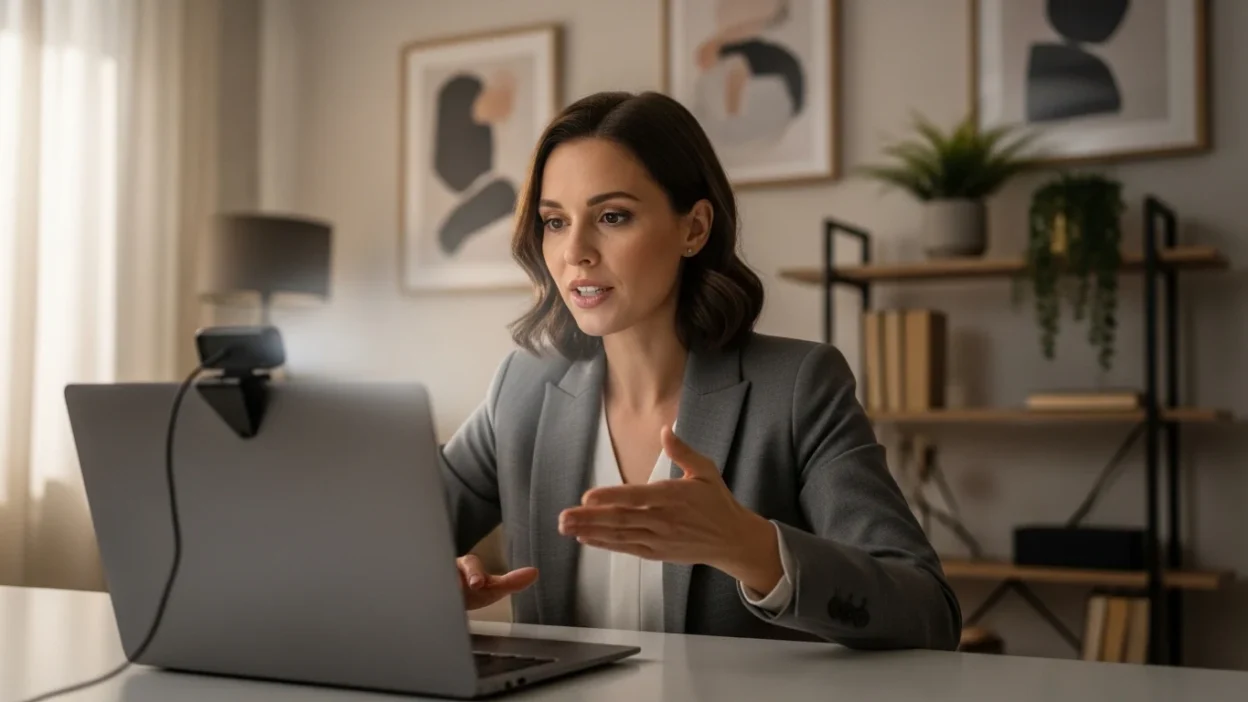
Remote work continues to grow rapidly. Consequently, virtual meetings have become a normal part of professional communication.
Because of this shift, understanding proper video conferencing etiquette helps individuals present themselves professionally and communicate clearly in online meetings.
Moreover, strong etiquette improves collaboration, reduces distractions, and creates respectful digital workplaces. When participants follow proper video conferencing etiquette, meetings become more productive and comfortable for everyone involved.
Additionally, modern teams rely heavily on tools such as Zoom, Microsoft Teams, and Google Meet.
Therefore, learning respectful behavior during online meetings ensures smoother communication across organizations.
This guide explains essential video conferencing etiquette rules, practical tips, and common mistakes so professionals can confidently participate in virtual meetings.
Why Video Conferencing Etiquette Matters
Virtual meetings lack many social cues present in face-to-face conversations. Therefore, participants must communicate clearly and respectfully.
Good video conferencing etiquette helps:
- Maintain professional impressions
- Reduce background distractions
- Improve meeting efficiency
- Support respectful collaboration
- Encourage clear communication
Consequently, organizations benefit from smoother and more productive discussions.
Prepare Before the Meeting
Preparation plays a major role in successful virtual meetings. Therefore, participants should organize their setup before joining.
Preparation Checklist
- Test your microphone and camera
- Ensure a stable internet connection
- Open required documents or presentations
- Choose a quiet environment
These steps demonstrate strong video conferencing etiquette and prevent interruptions.
Dress Professionally
Even though meetings occur online, professional appearance still matters.
Appearance Tips
- Wear clean, appropriate clothing
- Avoid overly bright or distracting patterns
- Maintain neat grooming
- Dress similarly to an in-office meeting
Professional attire reinforces credibility during virtual interactions.
Mute Your Microphone When Not Speaking
Background noise easily disrupts online meetings. Therefore, muting the microphone becomes an important part of video conferencing etiquette.
Common noise distractions include:
- Keyboard typing
- Conversations in the background
- Household sounds
- Notifications or alerts
Muting your microphone prevents these interruptions and keeps meetings focused.
Maintain Proper Camera Etiquette
Your camera presence strongly influences how others perceive you during virtual meetings.
Camera Best Practices
- Position the camera at eye level
- Sit in a well-lit environment
- Avoid distracting backgrounds
- Maintain eye contact with the camera
These simple habits improve engagement and professionalism.
Avoid Multitasking
Many participants feel tempted to check emails or messages during meetings. However, multitasking often becomes noticeable.
Good video conferencing etiquette encourages:
- Paying attention to speakers
- Taking notes instead of browsing other tabs
- Responding thoughtfully when asked questions
Focused participation shows respect for everyone attending.
Use the Chat Feature Respectfully
Most video platforms include chat features. While helpful, chat should remain professional.
Chat Etiquette Tips
- Use chat for relevant questions or links
- Avoid side conversations
- Keep messages clear and concise
- Respect meeting tone and professionalism
Responsible chat usage improves communication without distracting participants.
Speak Clearly and Avoid Interrupting
Virtual meetings sometimes create overlapping conversations. Therefore, patience and clarity are essential.
Helpful speaking habits include:
- Waiting for others to finish speaking
- Using hand-raise features when available
- Speaking clearly and at a moderate pace
These practices support respectful discussion and effective video conferencing etiquette.
Keep Meetings Efficient
Respecting everyone’s time is a major part of professional etiquette.
Participants can help by:
- Joining the meeting on time
- Staying focused on the agenda
- Avoiding unnecessary side discussions
- Ending meetings promptly when goals are completed
Efficient meetings improve productivity and team satisfaction.
Common Video Conferencing Mistakes
Even experienced professionals sometimes overlook virtual meeting etiquette.
Avoid these common mistakes:
- Leaving the microphone unmuted unnecessarily
- Joining meetings late without explanation
- Using distracting backgrounds or filters
- Interrupting other speakers frequently
Recognizing these mistakes helps improve overall meeting quality.
Video Conferencing Etiquette for Team Leaders
Meeting hosts play a crucial role in guiding professional virtual communication.
Leadership Tips
- Share an agenda before the meeting
- Encourage equal participation
- Manage speaking order politely
- Summarize key decisions before ending
Effective leadership reinforces strong video conferencing etiquette for the entire team.
Final Thoughts
Virtual meetings have become essential for modern workplaces. Therefore, understanding proper video conferencing etiquette helps professionals communicate effectively while maintaining a polished digital presence.
When participants prepare properly, stay attentive, and respect others’ speaking time, online meetings become more productive and enjoyable.
Ultimately, practicing strong video conferencing etiquette strengthens collaboration, improves communication, and supports professional relationships in today’s remote and hybrid work environments.
FaQs
What is video conferencing etiquette
Video conferencing etiquette includes professional behavior and communication practices during virtual meetings.
Why is muting important in online meetings
Muting your microphone prevents background noise and keeps the meeting clear and focused.
Should cameras stay on during video meetings
Many organizations encourage cameras on because it improves engagement and communication.
How can I look more professional on video calls
Use good lighting, position the camera at eye level, wear professional clothing, and minimize distractions.
What should I avoid during virtual meetings
Avoid multitasking, interrupting others, leaving microphones unmuted unnecessarily, and using distracting backgrounds.
Which platforms are commonly used for video meetings
Popular platforms include Zoom, Microsoft Teams, and Google Meet.

Caleb Rowan is an American content writer with a strong interest in social and digital etiquette. He creates thoughtful, approachable articles for Etiquify. His writing helps readers navigate modern conversations with professionalism, balance, and empathy.